

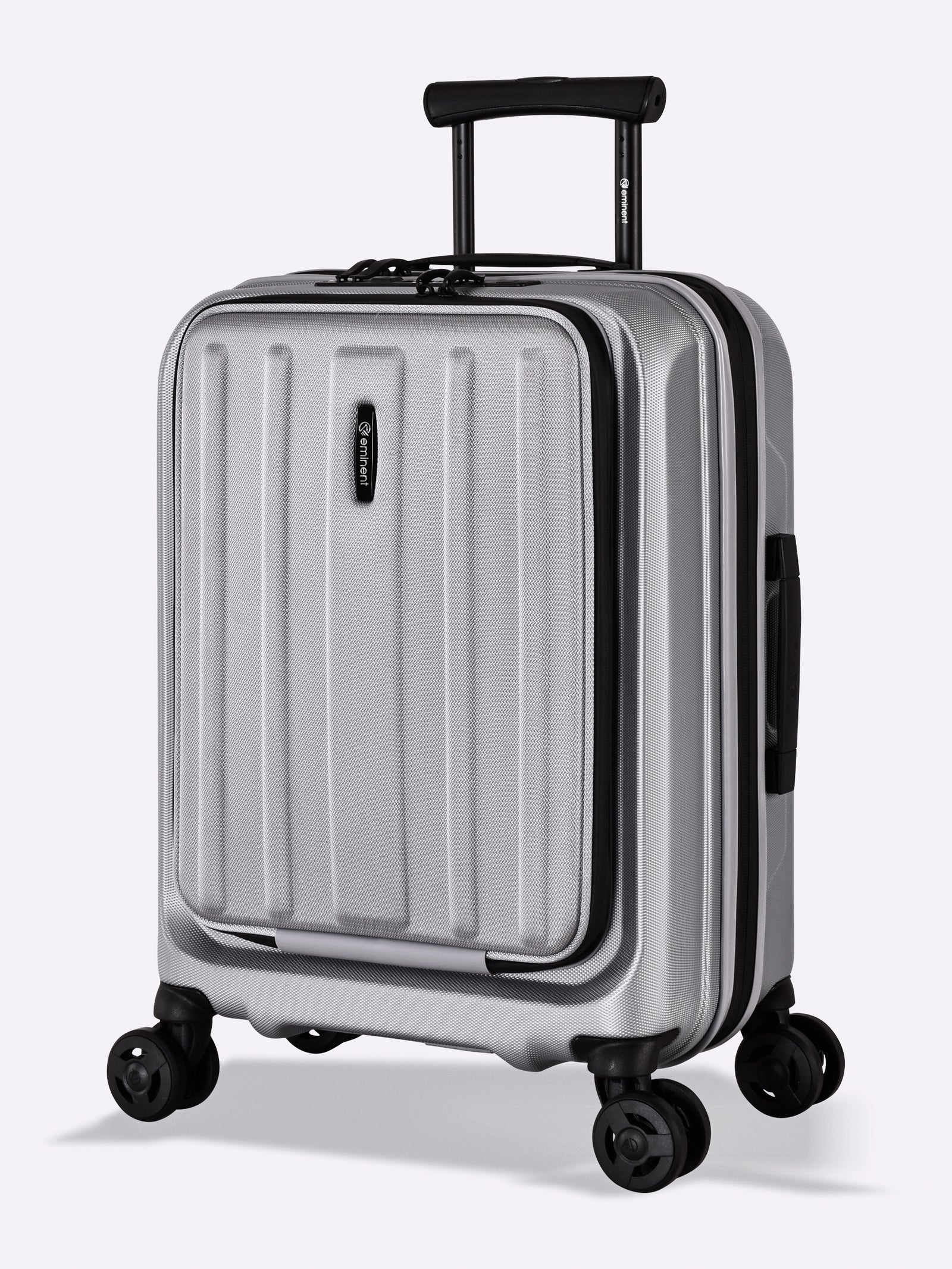


Register Your Warranty & Receive an Additional Year of Warranty Coverage*
Step 1
Purchase Your Product
Purchase a qualifying product from the Finno or Voyager Series and keep your invoice / purchase receipt as it is needed for the registration.
Step 2
Gather Information
Locate your product number number. The model number can be found on a fabric flag which is sewn into the lining of your suitcase. Typically it can be found when you open the maintenance zipper on the side with the telescopic handle.
Step 3
Complete Online Registration
Navigate to our warranty registration page under www.warranty-portal.com and click on register new product. You will be asked to enter the product number and other details to complete the registration.
Step 4
Receive Confirmation
After you have submitted your registration our team will check your registration within a few days and send you a confirmation email as soon as it has been approved. If the information has been entered correctly (e.g. purchase data, purchase receipt etc.) the registration will be approved without issues.
Step 5
Enjoy Peace of Mind & an additional year of warranty coverage
Your product is now successfully registered. As an additional benefit your suitcase will automatically receive an additional year of warranty coverage upon successful registration. On https://www.warranty-portal.com/ you can always check the warranty status of your product, file a claim or check the availability of parts.
* Warranty Registration is possible for all models sold in Europe & the UK. The promotion to receive an additional year of warranty coverage is limited to the products from the series Voyager (excluding Probeetle Voyager models) & Finno.
For details on our warranty terms and the warranty extension upon registration please check our warranty policy.

